






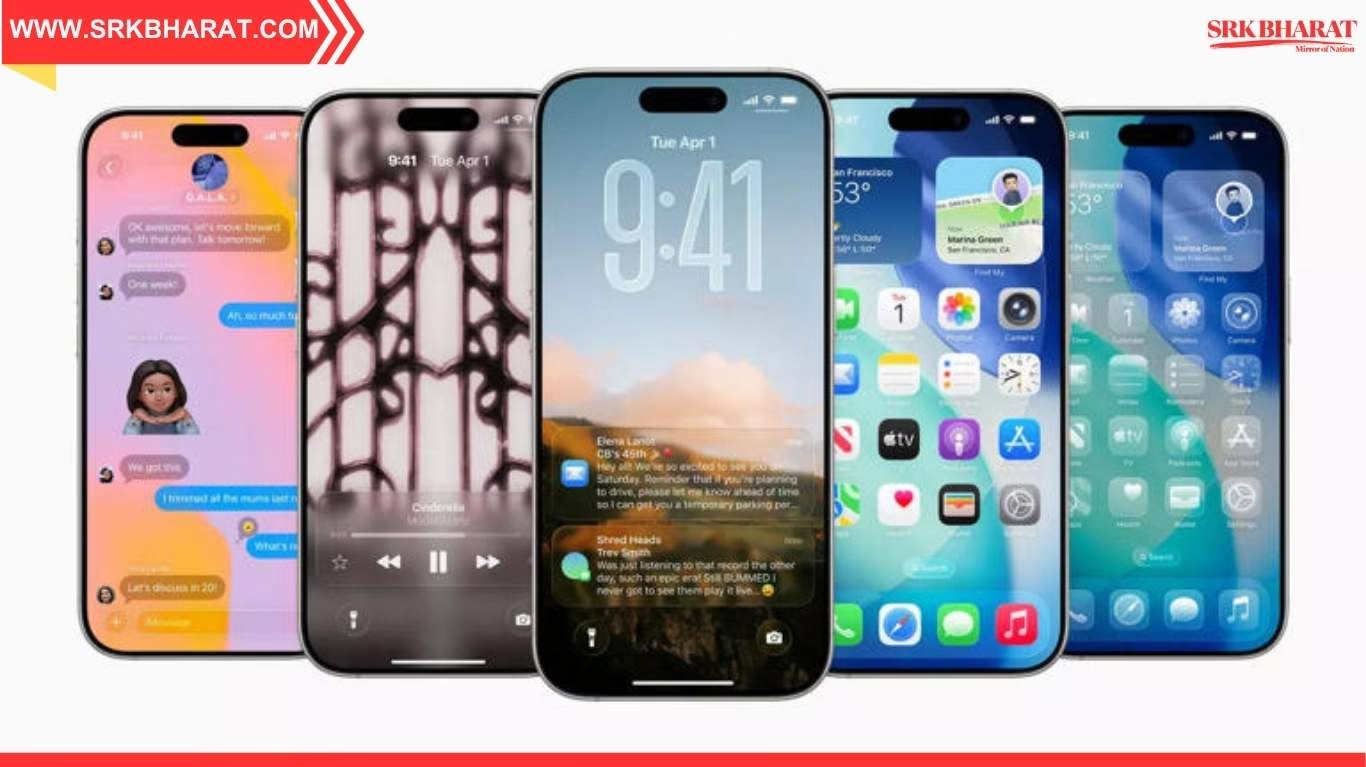
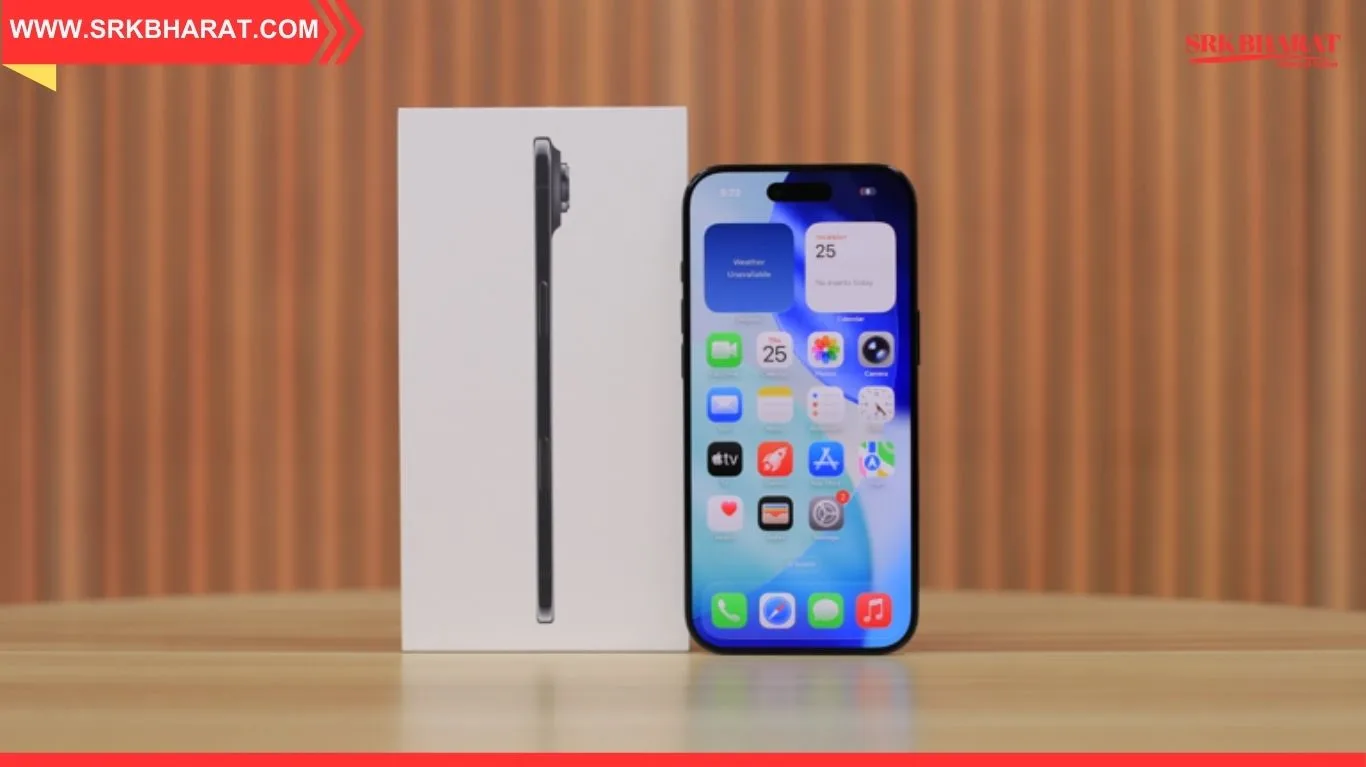
Apple is rolling out its highly anticipated iOS 26.1 update next week, and it’s packed with transformative features designed to enhance usability, personalization, and performance across supported iPhones. Following over a month of beta testing, iOS 26.1 introduces refinements to the Liquid Glass interface, new privacy toggles, expanded language support, and smarter media controls. The update will be available for iPhone 11 and newer models, including the second-generation iPhone SE.
This release builds on the foundation laid by iOS 26, which debuted Liquid Glass and call screening. With iOS 26.1, Apple is responding to user feedback by offering more control over visual elements, streamlining alarm interactions, and improving accessibility across apps.
📱 iOS 26.1: The 9 Biggest Changes You Need to Know
| Feature Name | Description | Impact Summary |
|---|---|---|
| Liquid Glass Transparency Toggle | Choose between “Clear” and “Tinted” modes for UI elements | Enhances personalization and readability |
| Lock Screen Camera Swipe Toggle | Disable swipe-to-open camera from Lock Screen | Improves privacy and accidental access |
| Slide-to-Stop Alarm Control | Replaces tap-to-stop with swipe gesture for alarms and timers | Reduces accidental dismissals |
| Apple TV App Redesign | New colorful icon and branding update | Aligns with Apple’s streaming rebrand |
| Expanded Apple Intelligence | Adds support for 9 new languages including Turkish and Vietnamese | Boosts accessibility and global reach |
| AirPods Live Translation Update | Now supports Japanese, Korean, Italian | Enhances real-time communication |
| Apple Music Swipe Gestures | Swipe to add songs to queue or library | Improves playlist management |
| AutoMix Over AirPlay | Smarter audio transitions between devices | Seamless multi-device playback |
| FaceTime Audio Optimization | Better call quality in low-bandwidth conditions | Enhances video call reliability |
These features reflect Apple’s push toward intuitive design and global inclusivity.
🧠 How Liquid Glass Customization Works
| Setting Option | Visual Effect | Best Use Case |
|---|---|---|
| Clear | Transparent UI elements | Minimalist look, background visibility |
| Tinted | Slightly opaque interface | Better contrast, reduced distractions |
Users can toggle these options under Settings → Display & Brightness → Liquid Glass.
📊 Language Expansion for Apple Intelligence and AirPods Translation
| Language Added | Feature Supported |
|---|---|
| Danish, Dutch, Norwegian | Apple Intelligence |
| Portuguese (Portugal), Swedish | Apple Intelligence |
| Turkish, Vietnamese | Apple Intelligence |
| Japanese, Korean, Italian | AirPods Live Translation |
This update makes Apple’s AI and translation tools more accessible to non-English users.
🗣️ User Reactions and Developer Insights
| Stakeholder | Commentary Summary |
|---|---|
| Beta Testers | “Liquid Glass finally feels customizable.” |
| Accessibility Advocates | “Language support is a huge win for inclusivity.” |
| App Developers | “New gestures open up creative UX possibilities.” |
| Privacy Experts | “Lock Screen camera toggle is long overdue.” |
The update has received praise for balancing aesthetics, functionality, and user control.
📈 iOS 26.1 Compatibility and Installation Guide
| Device Model | Supported? | Notes |
|---|---|---|
| iPhone 11 and newer | ✅ Yes | Full feature support |
| iPhone SE (2nd Gen) | ✅ Yes | Limited Liquid Glass customization |
| iPhone XR and older | ❌ No | Not eligible for iOS 26.1 |
To install: Go to Settings → General → Software Update → Tap “Update Now.”
📌 Conclusion
iOS 26.1 is more than a routine update—it’s a thoughtful refinement of Apple’s mobile ecosystem. With nine impactful changes ranging from UI customization to smarter media controls and expanded language support, this release is set to redefine how users interact with their iPhones. Whether you’re a power user, a privacy-conscious individual, or someone who values accessibility, iOS 26.1 delivers meaningful upgrades that make your device more personal, secure, and intuitive.
Disclaimer: This article is based on publicly available Apple release notes, developer documentation, and media coverage. It is intended for informational and editorial purposes only and does not constitute technical advice or endorsement.

студия для записи подкастов http://www.studiya-podkastov-spb4.ru/ .