
Understanding Display Needs for Video Editors
Choosing the right display hardware is a critical decision for any video professional. Different projects demand distinct visual capabilities, ranging from high refresh rates to absolute color fidelity. Because creative workflows vary significantly, a single display type does not fit every professional scenario.
Modern hardware offerings now span across multiple advanced panel technologies. Options include traditional IPS displays, cutting-edge QD-OLED screens, and expansive ultrawide formats. Each technology brings specific advantages to the editing suite, addressing unique color management demands and intensive multitasking requirements.
Evaluating IPS Technology for Creative Work
IPS panels remain a staple in many production environments due to their consistent viewing angles and reliable color reproduction. Editors who need stable visual output across different lighting conditions frequently rely on these screens. They provide a dependable baseline for daily cut tasks and general timeline management.
While IPS models may not achieve the absolute black levels of newer display formats, they offer exceptional longevity and uniformity. This makes them a practical choice for long editing sessions where eye fatigue and color stability are major considerations.
Embracing QD-OLED for Superior Contrast
For professionals working heavily with color grading, QD-OLED technology introduces a massive leap forward. These displays offer incredibly deep contrast ratios by allowing individual pixels to emit light independently. As a result, shadows appear truly dark without sacrificing shadow detail.
The inclusion of advanced quantum dot layers also expands the available color volume. Editors can push their grading suites further, ensuring that final exports match creative intent across a wider range of consumer viewing devices and high dynamic range standards.
Maximizing Productivity with Ultrawide Formats
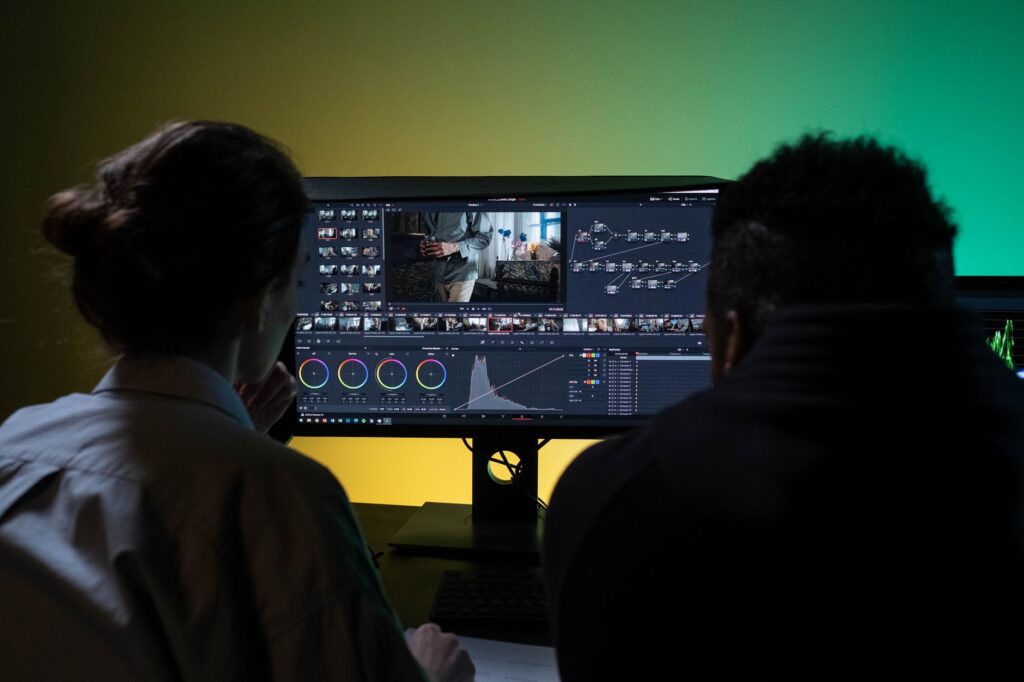
Multitasking is an essential skill in modern post-production. Editors frequently need to monitor timeline tracks, source bins, audio meters, and chat applications simultaneously. Ultrawide displays solve this challenge by providing a continuous, expansive canvas without the visual interruption of physical bezel gaps.
This extra horizontal screen space allows creators to spread out complex timelines and keep critical interface panels visible at all times. The result is a more fluid workflow that reduces the need to constantly minimize or switch between active windows.
Tailoring the Setup to Your Workflow
Ultimately, upgrading your workstation display involves balancing your specific creative demands with technical specifications. Whether your priority is pinpoint color accuracy, breathtaking contrast, or uninterrupted timeline space, the current market offers specialized hardware designed to elevate your video editing capabilities.