
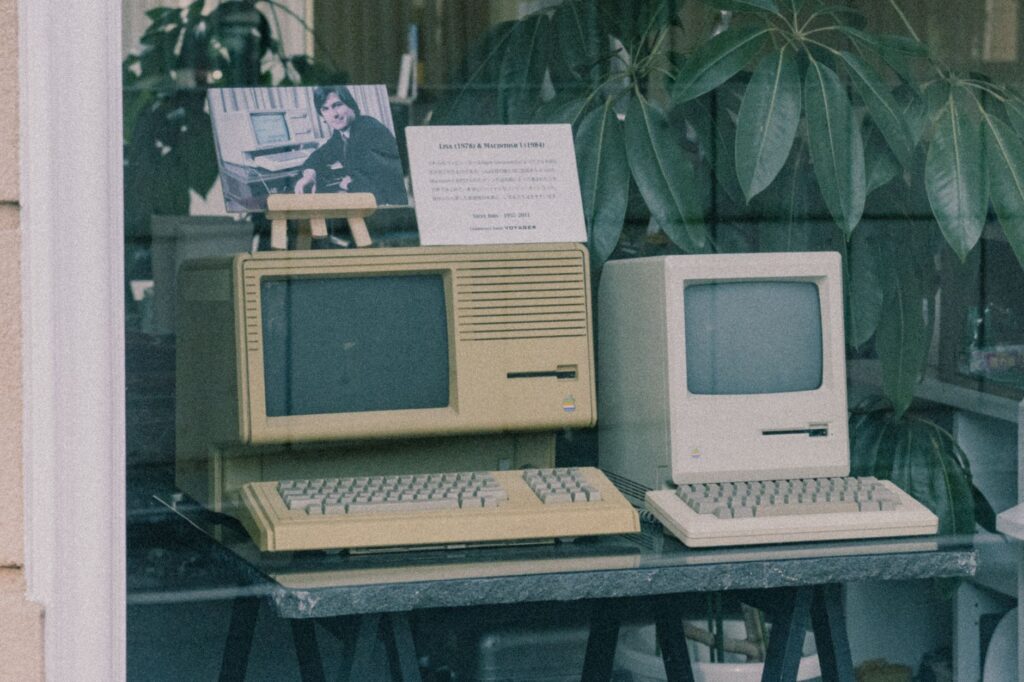

Retro aesthetic trends continue to dominate digital platforms, and generating nostalgic visuals has never been more accessible. While many users associate artificial intelligence image generation primarily with OpenAI models, other major platforms also offer robust capabilities for producing vintage artwork. Both Google Gemini and Meta AI allow users to experiment with distinct historical eras, including the vibrant and neon-soaked visual style of the nineteen eighties.
Introduction to Retro AI Image Generation
Transforming modern photographs or creating entirely new scenes inspired by past decades is a popular digital pastime. Major technology companies have integrated advanced image generators directly into their conversational assistants. This integration means that everyday users can access powerful creative tools without needing professional graphic design software or complex prompt engineering experience.
Getting Started with Google Gemini
Google Gemini provides built-in capabilities through its multimodal interface to interpret user requests and generate custom visuals. To begin creating retro artwork, users must navigate to the Gemini platform and sign in with a supported Google account. Once inside the main chat interface, you can type a descriptive prompt detailing the specific vintage look you want to achieve.
Crafting the Ideal Prompt for Gemini
Effective results depend heavily on the descriptive language used in your instructions. When aiming for a nineteen eighties aesthetic, incorporate specific keywords such as neon lights, synthwave color palettes, grainy film texture, vintage fashion, and retro typography. Clear instructions help the underlying neural network understand the exact visual atmosphere you want to replicate in the final output.
Generating Images Using Meta AI
Meta AI offers another accessible pathway for producing period-specific visuals across its family of social messaging and discovery platforms. Users can access the generator directly within supported chat applications or dedicated web interfaces. By typing specific commands that reference historical decades, the system interprets the textual input and renders a corresponding graphic within seconds.
Step-by-Step Instructions for Meta AI
To use Meta AI for retro imagery, open your preferred messaging app or visit the official web portal. Locate the Meta AI assistant icon and initiate a new conversation. Type a clear instruction specifying that you want an image generated in a nostalgic style. For example, asking the assistant to depict a modern portrait styled like an old eighties yearbook photo or a vintage album cover yields distinctive and shareable results.
Tips for Better Results
Achieving the best possible output often requires a bit of trial and error with your phrasing. If the initial result does not match your vision, refine your prompt by adding more descriptive adjectives or adjusting the lighting parameters mentioned in the text. Experimenting with different platforms also allows you to compare which generator best captures the nostalgic aesthetic you are aiming for.
Conclusion
Proliferating AI tools have democratized digital art creation, making it simple for anyone to travel back in time visually. By utilizing the built-in generators available through major tech ecosystems like Google and Meta, users can effortlessly produce and share engaging vintage content without paying for specialized software licenses.